I Told Copilot to SSH Into My Switches So I Didn't Have To
I was checking switch cabling and thought — why am I doing this manually? I asked GitHub Copilot to do it. That question led down a rabbit hole of credential backends, hanging regex loops, and an AI that admitted it was being dumb.
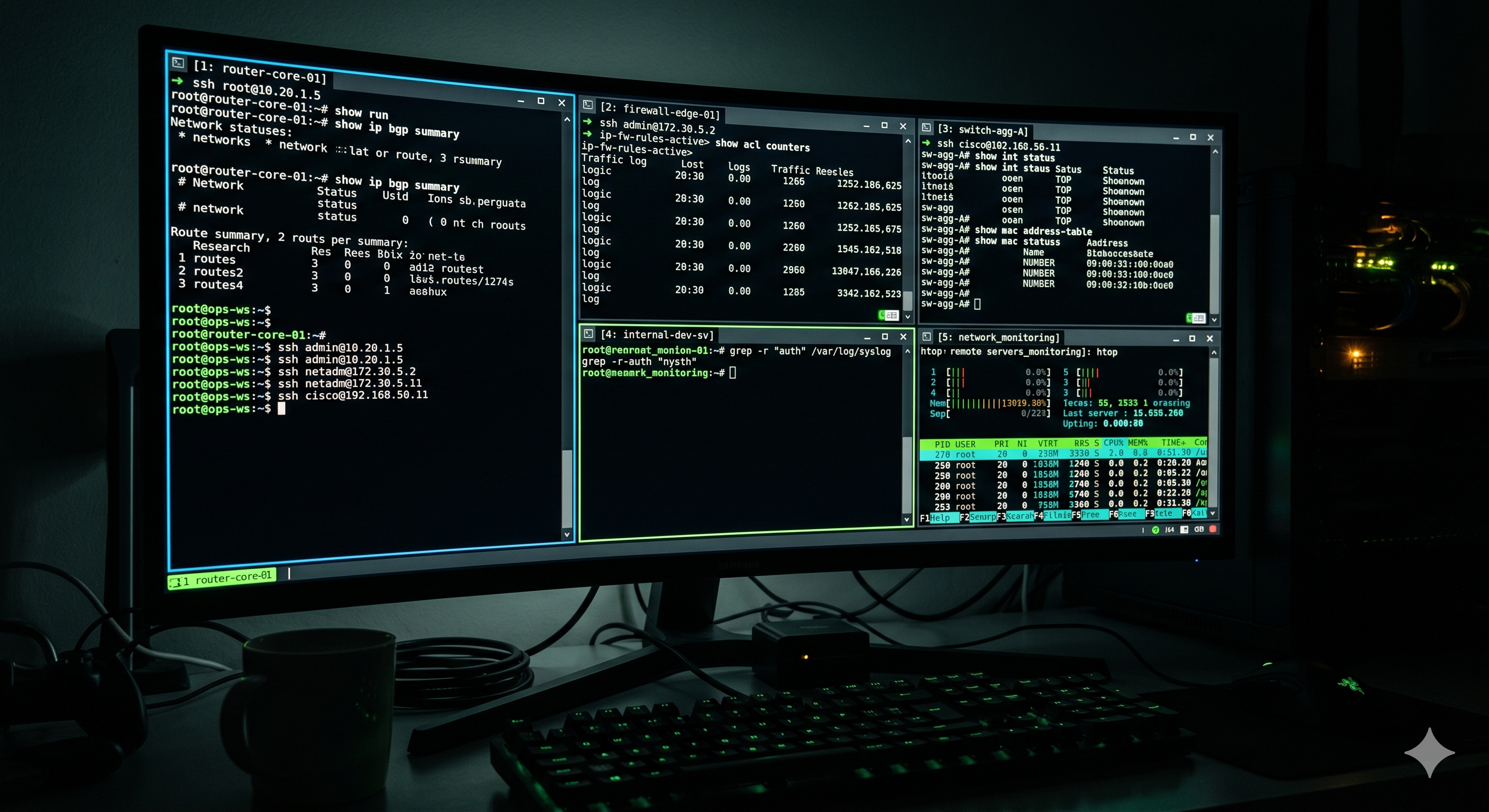
This one started the way most good tools start: I was doing something repetitive and got impatient.
“Just Do It for Me”
I’ve been spending a lot of time with GitHub Copilot CLI lately — not just for code, but as a general-purpose assistant I talk to while I work. And somewhere in the middle of a cabling validation task, I had the thought that probably every network engineer has eventually:
Why am I logging into these switches manually? Can’t Copilot just… do this for me?
The task was straightforward: check a bunch of switches, find any interfaces where the cabling didn’t match what was expected, build a table with the address assignments. The kind of thing that takes twenty minutes per switch if you’re doing it by hand, and that I definitely had better things to do than babysit.
So I asked. “Connect to the switch. Pull the interface table. Show me anything that doesn’t match the expected cabling.”
And it did. Mostly. The first time was cool in the way that new things are always cool — it worked, it produced output, it was clearly pulling real data from a real device.
Then I started thinking bigger.
The Credential Problem
One thing I was immediately uncomfortable with: passwords in the chat window.
I’m not putting switch credentials in a conversation. That’s not how I operate, and it’s not how any serious network shop should operate. So I asked Copilot: “Can you pull my credentials from Bitwarden and use them to authenticate?”
This is where it got interesting. With some back-and-forth, we got it working — the AI could call out to bw (the Bitwarden CLI), grab the credential by item name, and feed it to the SSH session without the password ever appearing in the conversation. Not magic, but functional.
That was the proof of concept. Now I wanted to scale it.
Scaling Up: Where the Wheels Came Off
I had a significant number of switches to work through — not two or three, but enough that manually shepherding each connection wasn’t an option. I wanted Copilot to connect to all of them, pull diagnostics, and hand me reports. Background work while I did other things.
This is when the SSH session handling started showing its cracks.
The script would connect, start pulling output, and then just… hang. Waiting for something. A prompt pattern that wasn’t coming. A regex sequence that made sense in theory but didn’t match what the switch was actually sending back. Then it would hang again on the next switch. And again.
After this happened enough times, I wasn’t particularly diplomatic about it:
“What’s wrong with you. Why are you looking for some end sequence. Learn from your mistakes.”
The response was legitimately funny: “Eric’s getting angry with me. I should have figured this out by now. That was dumb looking for a regex sequence.”
But here’s the thing — it then fixed it. Dropped the fragile regex approach, came up with a more robust solution for detecting command completion. Not because I gave it a better algorithm, but because I gave it enough context (and apparently enough frustration) to reconsider its assumptions.
That moment stuck with me. The AI diagnosed its own failure mode when pushed to reflect on it.
Extracting Something Reusable
At this point I had a working SSH automation layer that:
- Pulled credentials from Bitwarden by item name
- Handled NX-OS and SONiC prompt patterns correctly
- Didn’t hang on unexpected output
- Didn’t put passwords anywhere visible
The problem was it was tangled up in session scripts that were hard to reuse. Every new task meant adapting the same pattern from scratch.
So I did what engineers do: extracted it into something clean.
ai-ssh-toolkit is an MCP server — a Model Context Protocol server, which is the standard that lets AI assistants call external tools. It exposes four tools:
ssh_execute— connect to a host, run commands, return output. Supportsplatform_hintfor NX-OS, SONiC, Linux, and auto-detection.credential_get— retrieve credential metadata from a backend (never the actual password)credential_list_backends— discover what credential systems are available on the systemssh_check_host— check TCP reachability before trying to connect
Credential backends: Bitwarden CLI, Azure Key Vault, or environment variables. Pluggable — you can add more without changing the tool API.
Once you add it to your Copilot CLI MCP config:
1
2
3
4
5
6
7
8
{
  "mcpServers": {
    "ai-ssh-toolkit": {
      "command": "npx",
      "args": ["-y", "ai-ssh-toolkit"]
    }
  }
}
…any MCP-capable AI can SSH into your infrastructure with credential management handled properly.
The Security Piece
I want to be direct about this because “AI agent with SSH access to switches” deserves some scrutiny.
The design deliberately keeps passwords out of AI-visible context. Credentials are stored as Node.js Buffer objects and zero-filled after use — not garbage-collected as strings that might linger in memory. Nothing gets written to temp files for staging. Secrets are passed to CLIs via stdin, never as command-line arguments that would appear in a process list. PTY output is scrubbed for accidental password echoes.
The credential_get tool returns metadata only — it confirms a credential exists and is accessible, but never returns the value itself. Your audit trail lives in Bitwarden’s vault log or Azure Key Vault’s access log, not in an AI conversation.
The hardened security model came from an adversarial design review — deliberately thinking through how this could go wrong before writing a line of code. The details are in SECURITY.md if you want to read through the threat model.
Where It Is Now
The repo is scaffolded and the architecture is solid — TypeScript, 21 tests passing, CI running on every push. Several of the backend implementations are still stubs waiting to be fleshed out. It started as a lab tool for wrangling a fabric full of switches, and the patterns were useful enough to share.
If you’re doing AI-assisted network work and hitting the same credential wall, give it a look:
github.com/ebmarquez/ai-ssh-toolkit
And if you want to see how the AI-assisted network engineering started in the first place, the SONiC series covers the journey from blank switches through address planning, BGP deployment, and gNMI telemetry — all with Copilot along for the ride.
Sometimes the best tools come from getting annoyed enough to do something about it.