Working With AI When It's Frustrating: Lessons from a VXLAN Investigation
What a multi-hop PXE failure taught me about managing AI as a troubleshooting partner — not a magic solution.
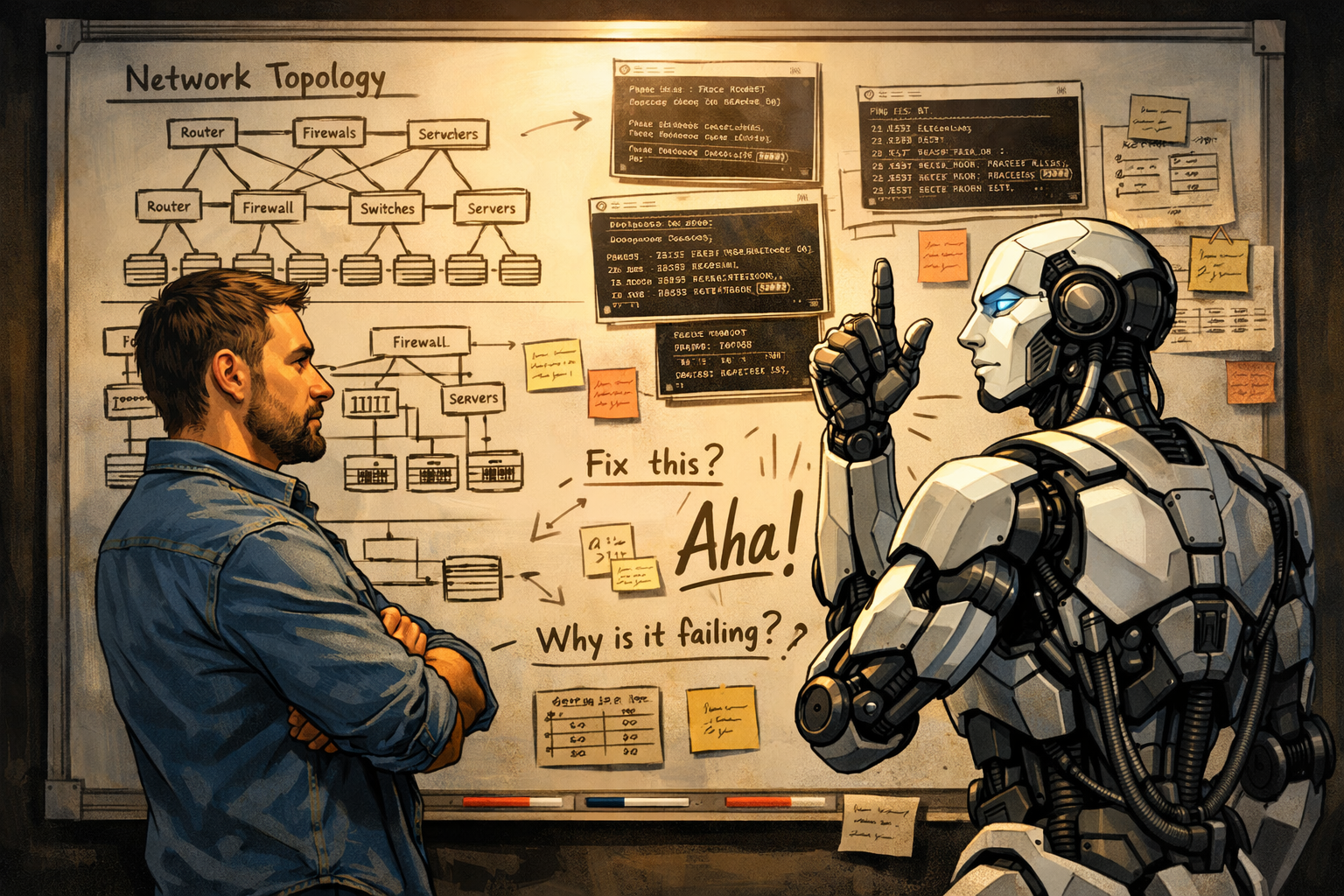
The moment it clicked wasn’t when we found the bug.
It was twenty minutes later, after we’d narrowed down the misconfigured VNI mapping and I told Copilot: “Run the full investigation again.” Setup, credential pull, device audit, parallel captures across two switches and a Windows PXE server, PXE boot trigger, collect, merge, analyze. The whole sequence. It just… did it. Hands-free. While I grabbed coffee.
That’s the ROI of working AI into a troubleshooting workflow. Not the first time — the tenth time. Not building the thing, but running it again after each change — and again after the next one. That’s where the math works out. But getting there? That part was a slog, and I want to be honest about what it actually looked like.
What We Were Investigating
PXE boot failure in a VXLAN leaf-spine fabric. A target node was sitting at a PXE ROM prompt with no DHCP offer. All the usual suspects looked clean — tunnels up, DHCP scope healthy, leaf port allocated. Somewhere in the overlay, the BOOTP traffic was getting lost.
The diagnosis required simultaneous packet captures at multiple points: the ingress leaf, the uplink toward the PXE server, and the Windows PXE server itself. Plus a fabric state audit — VNI mappings, VTEP peer state, MAC table — so you have a before-picture before anything fires.
You can’t do this manually in any coherent way. You can’t start three captures, run to the server and reboot it, and expect correlated timestamps. You need orchestration, and orchestration means scripting. I had Copilot — Claude Opus 4.7 via GitHub Copilot — help me build it.
The Build Phase: More Failures Than You’d Expect
Here’s the honest version: it took longer than it should have.
Not because Copilot can’t write Python. It can. It autocompletes Paramiko sessions and concurrent.futures scaffolding faster than I type. The problem was multi-step orchestration — getting it to think in terms of a workflow rather than a function. “Start all three captures in parallel, then trigger the boot, then wait, then collect, then merge” requires holding a lot of state across steps, and early on, Copilot kept wanting to flatten it. Credentials mid-function. Hardcoded paths. Race conditions it didn’t flag.
We went through probably a dozen iterations just on the parallel capture structure. Some of them ran fine but silently failed one of the three captures and reported success anyway. That’s the kind of bug that doesn’t show up until you’re staring at a merged PCAP with a conspicuously missing hop.
The Windows WinRM connection for the PXE server capture was its own round of this — wrong credential format, mismatched auth modes, timeout tuning. Fix, retest, fix again. Not dramatic, just relentless. Same with the SSH sessions into the switches: Copilot kept getting stuck on connections, losing sessions mid-run, once even trying to reach a completely random IP I had no idea where it came from. That one got a kick in the ass too.
Capture window sizing was another thing we had to learn the hard way. The initial windows were too short — a server reboot on these Hyper-V boxes takes close to two minutes with the amount of RAM they’re carrying. We were stopping the captures before the interesting traffic even arrived. Added that to the known-failure list, adjusted, moved on.
Would it have been faster to just write it myself? Probably, for the first version. I’m not going to pretend otherwise. The startup cost is real. What it gained back was the second time I ran it, and the third, without having to touch a thing.
Sometimes You Have to Get Direct
There was a stretch in the middle of this where Copilot kept making the same category of mistake: it would restructure the credential-fetch flow in ways that broke the BW_SESSION inheritance, over and over. I’d correct it, it’d fix it, and then two iterations later it had quietly regressed.
I stopped being gentle about it — all caps, direct, no softening. It was the same kind of correction as the Bitwarden moment.
The Bitwarden thing is the one that really stuck with me. Copilot was losing its Bitwarden session constantly and having to re-unlock. I gave it a tool to unlock on demand — problem solved, right? Except it kept forgetting the tool was there. It had the capability wired up, it just wasn’t connecting the dots between “session expired” and “I can fix this myself.” The same re-unlock failure, over and over.
Eventually I’d had enough: “GET YOUR HEAD OUT OF YOUR ASS, YOU KNOW HOW TO UNLOCK IT. LEARN.” I didn’t explain the fix. I didn’t walk it through the logic. Just pure frustration, all caps.
What happened next was actually interesting. Copilot went back through its own session history, cross-referenced the tool it had available, and came back with something close to genuine recognition: “You’re right — I have exactly the tool for this.” Then it wired it up correctly, and the session-loss problem stopped.
That moment illustrated two things at once: the LLM memory problem (it had the tool, it just wasn’t surfacing it in context when needed) and the fact that blunt, direct correction can work when gentler nudging loops forever. You’re not going to get an HR report. There are no hurt feelings. You can just tell it the cold truth and watch it actually use that information.
I heard someone describe an agent management service they’d built that would automatically “fire” an agent if it got something wrong more than three times. I get the instinct, but that’s not the takeaway I’ve landed on. I don’t need to fire them. I just need them to learn. And sometimes the catalyst is exactly the kind of correction you’d never give a human colleague.
This is something the AI cheerleader crowd underplays: there are moments where nudging doesn’t work and you have to just tell it to stop doing a thing. The model doesn’t have feelings about it. It doesn’t need a soft landing. Clear correction is faster than iterating around the same mistake six times hoping it self-corrects.
The corollary: if you find yourself having the same argument with it more than twice, name the pattern explicitly. “You keep doing X. Stop.” Usually works.
Where It Actually Earned Its Keep
Packet analysis.
Once we had the merged PCAP — leaf1, leaf2, and the PXE server captures stitched together with mergecap into a single correlated timeline — I described what I was seeing to Copilot and asked it to reason through the failure path with me.
This is where bounded problem spaces shine. DHCP in VXLAN follows defined RFCs. The packet fields mean specific things. The failure modes are enumerated. Given a correlated timeline of what arrived where and when, there’s real work an AI can do: “The Discover appears at leaf1 at T+0.003s but never at leaf2 or the PXE server. Cross-reference the VNI audit.” That analysis was sharp. Faster than doing it in my head, better organized than my scratch notes.
Creative troubleshooting? Less impressive. When I asked “what else could cause this?” — trying to generate hypotheses before the captures — the suggestions were textbook. MTU issues, STP edge port misconfiguration, DHCP snooping, IPAM conflicts. Fine, but nothing I wouldn’t have thought of. AI works better as a structured analyst than a creative partner. Once you have evidence, it’s excellent. Before you have evidence, it’s a whitepaper summary.
The Hallucination Tax
At one point Copilot reported that the leaf2 capture showed a DHCP Discover arriving with a TTL that suggested potential asymmetric routing. Confidently. With enough detail that it felt plausible.
I didn’t buy it. “I’m dubious of those results. Go back and validate them against the raw capture data.”
It went back, reanalyzed, and came back with a correction: the TTL it had cited didn’t match what was actually in the frames. It had pattern-matched to a likely scenario rather than reading the data.
This is the thing. The model is confident whether it’s right or wrong. The confidence level is not a signal of accuracy. You have to stay engaged and skeptical, especially when a result seems to conveniently match a hypothesis. If something feels off, push back. “Show me exactly where in the capture you’re seeing that.” Make it defend the claim with specifics.
The useful workflow pattern here: when a result surprises you, don’t accept it — validate it. Ask it to show its work. This is basic engineering hygiene, but it’s easy to skip when the AI is presenting a polished, detailed answer. Don’t skip it.
An Honest Framework
After a few sessions like this one, here’s what I actually believe about using AI in network troubleshooting — not a cheerleader list, just the actual tradeoffs:
It’s worth doing for repeatability, not for the first pass. If you’re running a diagnostic once and never again, the build cost probably doesn’t pay off. If you’re going to run variations of it across multiple change cycles, it pays off fast.
You have to stay in the loop. “Agentic” doesn’t mean autonomous. It means it’s executing the steps. You’re still the one who knows when something smells wrong. Don’t step away from the terminal just because it said “success.”
Direct correction is a feature, not a failure mode. When it keeps repeating a mistake, tell it to stop. Explicitly. You’re not being rude; you’re being clear. The model is not going to take it personally.
Bounded analysis beats open-ended brainstorming. Give it a structured problem with reference data — a packet capture, a config audit, an RFC — and it’s genuinely useful. Ask it to reason from first principles in an underspecified problem space and you’re mostly getting a confident summary of docs you could’ve read yourself.
Skepticism is part of the job now. The confidence heuristic we’re used to — “they sound certain, so they probably know” — doesn’t apply. It sounds certain when it’s right. It sounds certain when it’s wrong. Read the output the same way you’d read a junior engineer’s work: assume good intent, verify the details.
That’s the story. Not magic. Not a cautionary tale. It will take some failures to get there. And when it does work, it’s awesome. A workflow that required real friction to build, works well when you stay engaged, and earns back that investment every time you run it again.